Case study · the proof behind the teaching
Inside RumahHQ: a company that stopped running on its owner's phone.
This is where Saif built and tested the iBOS he now teaches: the before, the system and the proof.
Saif Muhtar
20+
years in construction before teaching
What this system built: RumahHQ
-
230+
homes completed
-
10+
years building homes
-
90+
builders and engineers
-
4.9★
from 125 Google reviews
Company figures from rumahhq.com, as of 18 Sept 2026. Not Saif's personal record.
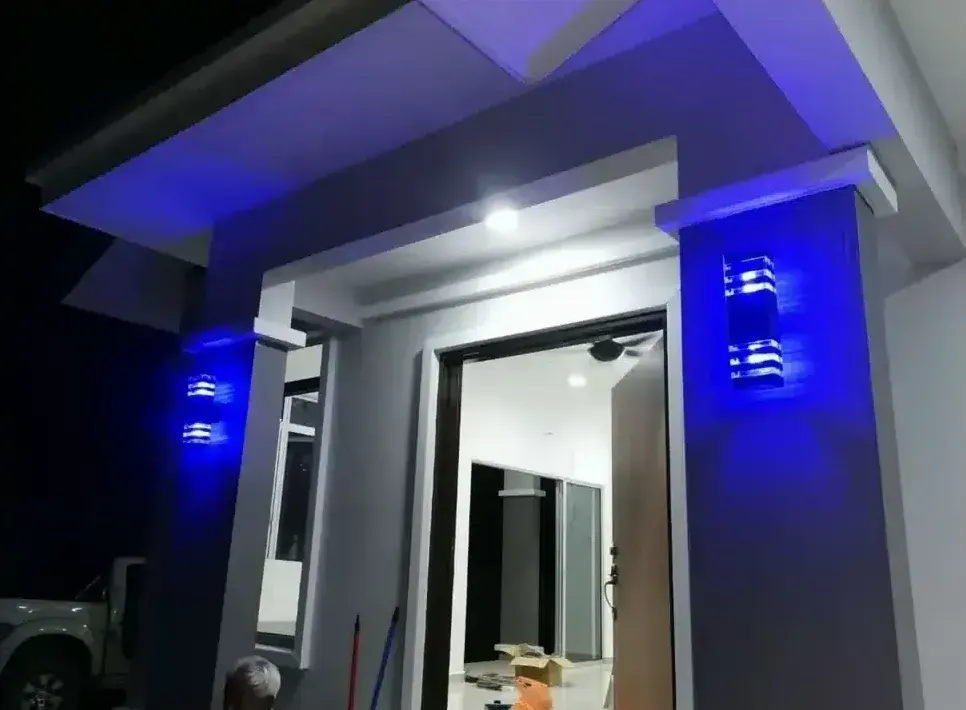
RumahHQ project, Ijok 
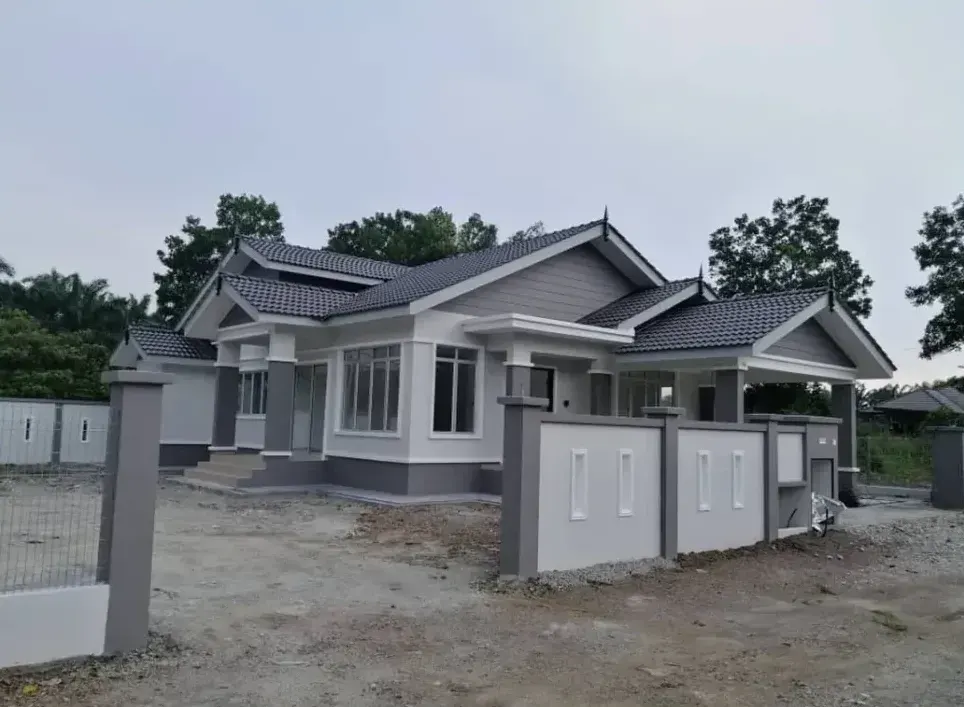
RumahHQ project, Saujana 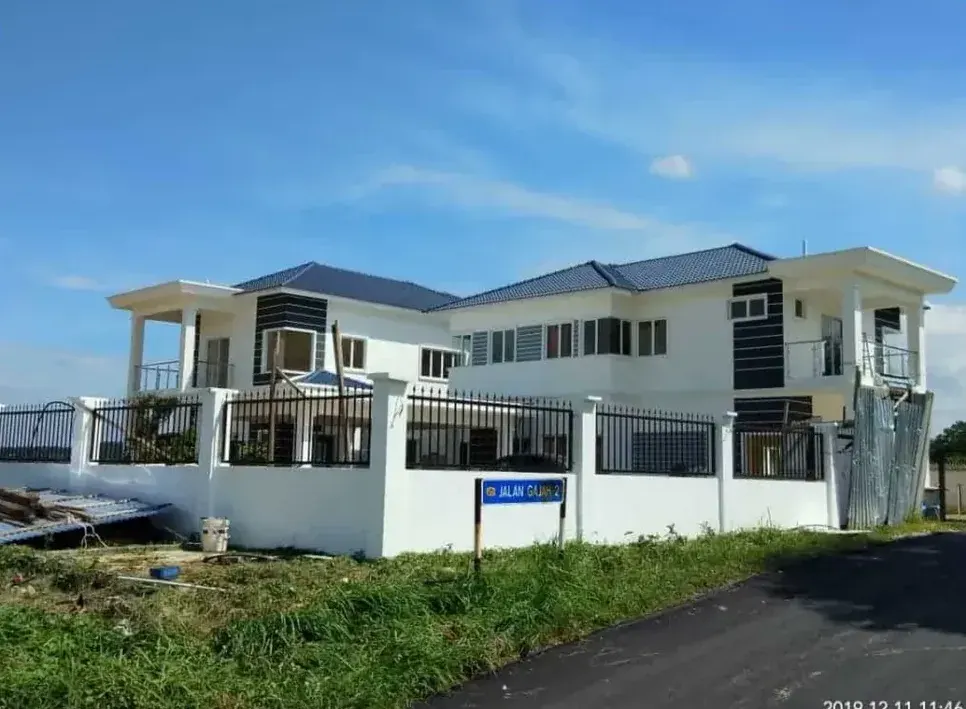
RumahHQ project, Kubu Gajah 
RumahHQ project, Hulu Langat 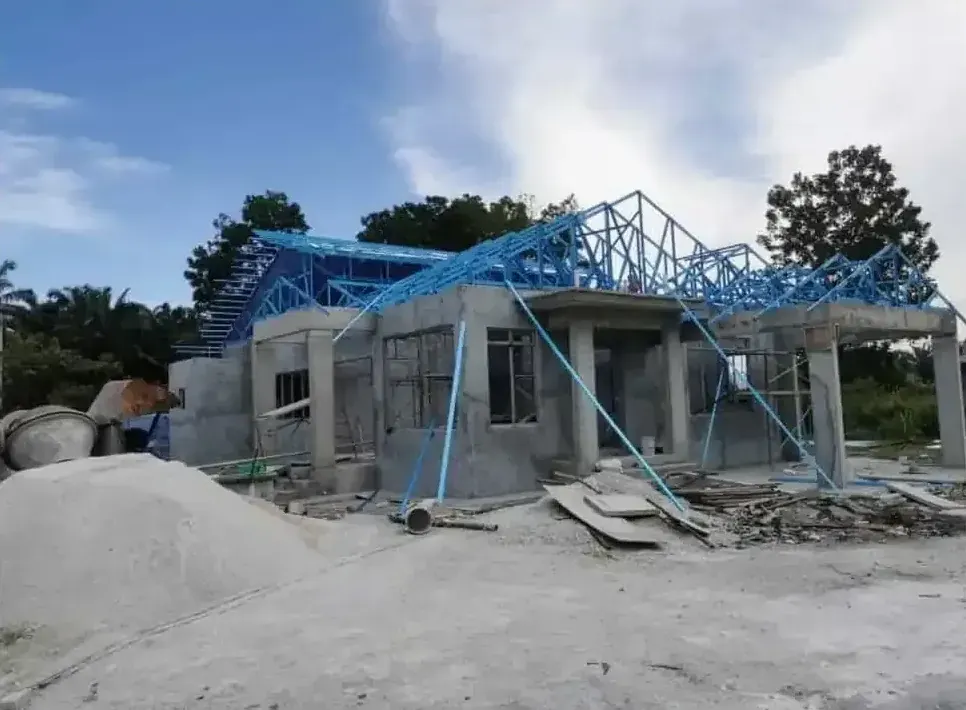
RumahHQ project, Ijok
Before and after
The owner's week, before and after.
After 20+ years in construction, Saif was the link between everyone. Every enquiry, quotation and claim waited for him.
-
Before: on the owner's phone: Leads spread across WhatsApp and spreadsheets
After: in the system: One pipeline, each lead with an owner and a next action
-
Before: on the owner's phone: Quotations need repeated data entry
After: in the system: A quotation workflow from agreed source data
-
Before: on the owner's phone: Site updates are hard to track
After: in the system: Consistent photo reports linked to each project
-
Before: on the owner's phone: Purchasing decisions happen informally
After: in the system: Purchase requests with approval records
-
Before: on the owner's phone: Customers keep asking for progress
After: in the system: Planned updates, or a client portal
-
Before: on the owner's phone: Management reports consolidated by hand
After: in the system: A dashboard on agreed metric definitions
-
Before: on the owner's phone: Every decision comes back to the owner
After: in the system: Documented workflows staff can follow; the owner approves exceptions
Examples of scope, not guaranteed results.
Component 9 · Information & technology
How the system is wired.
Roles and tools at concept level: agents draft, a guardrail checks, a person approves.
RumahHQ's operating system: one record, agents under approval
Concept level
-
Website forms · WhatsApp · Referrals & walk-ins
-
First-contact agent
answers, qualifies, records
-
Orchestration
n8n · triggers, schedules
-
System of record · ERPNext
customers · quotations · projects · purchasing · claims · documents · defects
-
AI agents
follow-ups · reports · drafts
-
Guardrail check
blocks unsafe outbound content
-
Human approval
owner & managers decide
-
Client
The dashboard reads straight from the system of record
The construction track
Construction tests every cycle at once.
Nine blueprint controls: the standard for any contractor, not claims about RumahHQ.
- Qualify
- Scope and price
- Contract
- Approvals
- Procurement
- Delivery
- Claims
- Handover
- Warranty
See the nine controls
- Qualify
- Land status, financing route and approval readiness confirmed before design time is spent
- Scope and price
- Priced only from complete drawings and a bill of quantities; exclusions listed
- Contract
- Payment schedule tied to verified progress milestones; variation procedure agreed
- Approvals
- Clear split between contractor, client and qualified professionals (architect, engineer) for authority submissions
- Procurement
- Approved suppliers and subcontractors; materials received and checked against specification
- Delivery
- Daily site report with photos; weekly progress against schedule; safety briefing records
- Claims
- Progress claim submitted only with inspection evidence; collection owner named
- Handover
- Defect inspection checklist, as-built documents, warranty start date
- Warranty
- Defect log with response times through the defect liability period
Source: the iBOS blueprint, Part 6.
Status
Eight workflows, honestly labelled.
Each replaced one problem and passed one acceptance test. The strip shows the iBOS components it serves.
RumahHQ workflows
8 of 8 live
- Live
- Passed its acceptance test; in daily use by the team.
-
Lead & WhatsApp agent
Every enquiry is in the system with source and owner within 5 minutes
Serves: Growth, Information & technology
Status: Live -
Quotation & BQ
A quotation is generated from agreed BQ data without re-typing
Serves: Commercial model, Growth
Status: Live -
Contract & financing documents
A checklist shows every document per project and its status
Serves: Governance & risk, Finance
Status: Live -
Procurement & subcontractors
Purchases above a threshold need a recorded approval
Serves: Fulfilment, Finance
Status: Live -
Site reporting
A daily photo report lands on the project record by 6 pm
Serves: Fulfilment, Execution rhythm
Status: Live -
Progress claims & drawdowns
Claim status per project is visible on the dashboard
Serves: Finance
Status: Live -
Defects & handover
Each defect has an owner, a due date and a closure photo
Serves: Customer success, Fulfilment
Status: Live -
Management dashboard
Pipeline, progress and claims refresh without manual work
Serves: Execution rhythm, Information & technology
Status: Live
- Strategy & vision
- Commercial model
- Organisation
- Growth
- Fulfilment
- Customer success
- Finance
- People
- Information & technology
- Governance & risk
- Execution rhythm
- Improvement & succession
Teaching mapping, not a maturity score. 8 of 12 components are touched.
Saif's contribution
Process first, then tools.
-
Saif
The operating model, process maps, approval rules and rollout order.
-
The team
Configured the system, tested each workflow and runs it daily.
-
Technology partners
Helped with the integrations between systems.
Results
Measured, or marked as being assessed.
Being assessed
- Baseline
- Period
- Limits
Lessons
What we learned, including what did not work.
-
Process before tools.
A workflow nobody has written down cannot be automated. It only gets faster at being inconsistent.
-
One source of truth beats more apps.
Every extra app that holds its own copy of a customer becomes another place where the truth goes stale.
-
Approval is a feature, not a bottleneck.
Staff trusted the agents once they could see that nothing reached a client without a person saying yes.
-
Adoption takes longer than building.
Configuring a workflow took days; changing the habit around it took weeks. Train supervisors first.
-
Start where the owner is the bottleneck.
Enquiries and follow-ups gave the earliest relief, because that work used to wait for one phone.
Next
Install a system like this in your company.
Programmes and the 90-day sprint put the iBOS in place with your team.